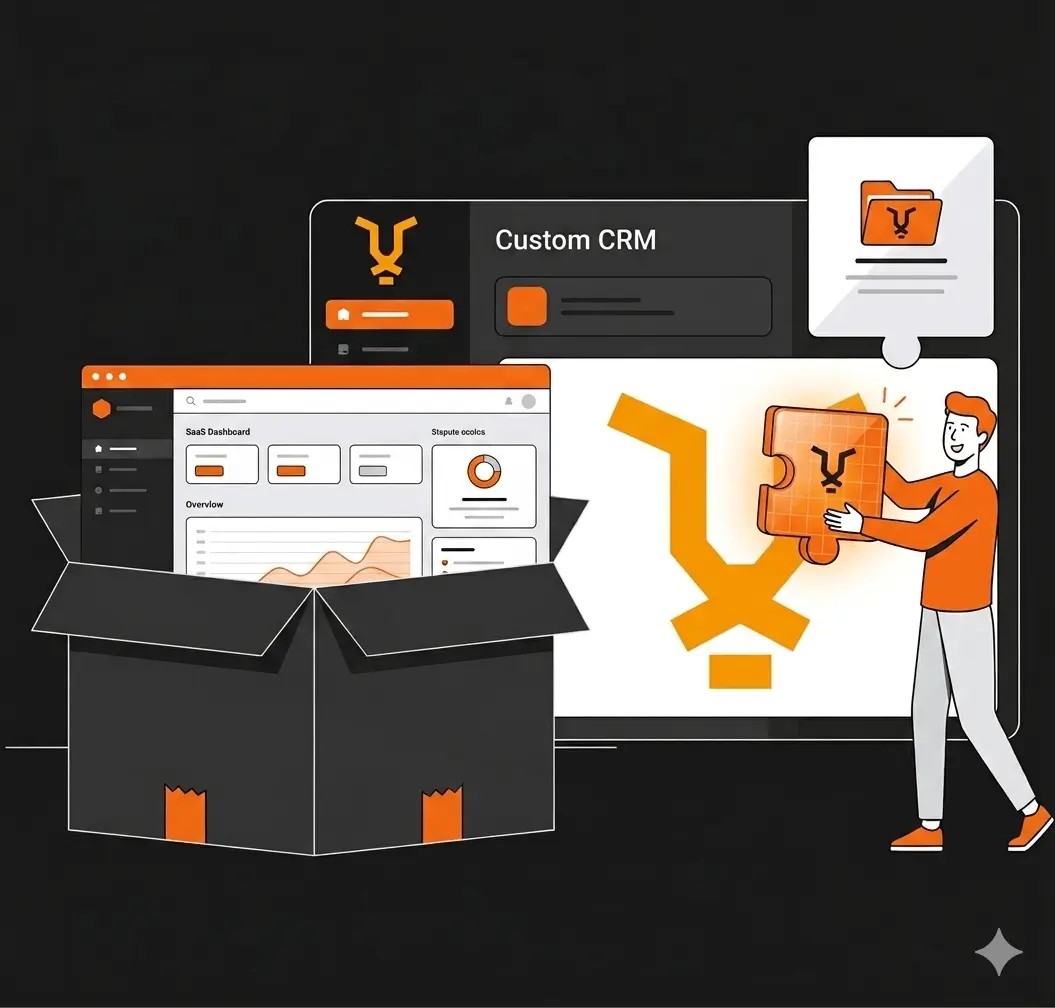
Estábamos pagando por un CRM que no usábamos
Cuando arrancamos Black Tiger Partners, hicimos lo que hace todo mundo: contratamos GoHighLevel. El pitch es irresistible — un CRM todo-en-uno por $97/mes con pipeline, automatizaciones, landing pages, email marketing y más.
El problema es que "todo-en-uno" también significa "30% útil, 70% ruido". Usábamos el pipeline, el calendario y poco más. El resto era funcionalidad que no necesitábamos, una interfaz que no nos representaba, y un costo mensual que escalaba cada vez que queríamos algo personalizado.
Después de 4 meses, nos hicimos la pregunta incómoda: ¿Estamos pagando renta por una herramienta, o podemos ser dueños de nuestra propia infraestructura?
La decisión: build vs buy
No fue una decisión impulsiva. Evaluamos tres opciones:
Opción 1: Seguir con GoHighLevel. $97-$497/mes dependiendo del plan. Funcional, pero genérico. Cero control sobre la experiencia del usuario o la lógica del negocio.
Opción 2: Migrar a otro SaaS (HubSpot, Pipedrive, Monday). Misma trampa con diferente nombre. Seguiríamos dependiendo de decisiones de producto de otra empresa.
Opción 3: Construir nuestro propio CRM. Inversión de tiempo inicial alta, pero costo operativo cercano a cero, control total, y — lo más importante — la posibilidad de usarlo como producto para nuestros propios clientes.
Elegimos la opción 3. Y no nos arrepentimos.
Qué construimos
Nuestro CRM no intenta competir con Salesforce. Hace exactamente lo que necesitamos, nada más y nada menos:
Pipeline de ventas
Prospectos con etapas personalizables, valor del deal, historial de actividades, lead scoring automático y campos custom. Todo lo que necesitas para saber dónde está cada oportunidad y cuánto vale tu pipeline en cualquier momento.
Tableros Kanban
Gestión de tareas y proyectos por cliente. Columnas configurables, prioridades, etiquetas, fechas límite, comentarios y asignación. Cada cliente tiene su propio tablero; cada tarea tiene un responsable claro.
Workflows y automatizaciones
Triggers basados en días en etapa, cambios de stage, inactividad o creación de prospecto. Acciones: mover etapa, notificar en Slack, agregar nota, asignar responsable o agregar tags. Sin drag-and-drop bonito — pero funcional y exacto.
Blog bilingüe con SEO
Sistema de publicación integrado con campos SEO completos en español e inglés: meta titles, descriptions, excerpts, tags y slugs personalizados. Estás leyendo este post desde ese sistema ahora mismo.
Calendario y eventos
Eventos vinculados a prospectos, integración con Google Calendar, tipos de evento (llamada, reunión, seguimiento, demo) y tracking de completados.
Shopify Store Analyzer
Herramienta productizada de diagnóstico que analiza cualquier tienda Shopify en 30 segundos. Integrada al CRM para captura automática de leads.
El stack técnico
Construimos sobre tecnología moderna, probada y económica:
Frontend: Next.js + React. Server-side rendering, rápido, y con el ecosistema más grande de componentes disponibles.
Base de datos: Supabase (PostgreSQL). Auth, real-time, storage y Row Level Security incluidos. Costo: prácticamente $0 en nuestro volumen actual.
Inteligencia artificial: Claude de Anthropic como interfaz conversacional sobre todo el CRM, conectado vía MCP (Model Context Protocol). En lugar de hacer clic en menús, le dices a Claude: "muéstrame los prospectos en etapa Propuesta Enviada" o "crea una tarjeta para instalar el Pixel de Meta en el sitio de Dentalist" — y lo hace.
Integraciones: Slack, Google Calendar, Gmail, Meta Ads — todos conectados como servidores MCP.
Claude como interfaz: el cambio de paradigma
Esta es la parte que más nos diferencia. La mayoría de los CRMs te dan dashboards, menús, filtros y botones. Nosotros eliminamos todo eso.
Nuestro CRM se opera conversando con Claude. No hay una interfaz web tradicional donde pasas 15 minutos navegando para encontrar lo que buscas. Le preguntas a Claude y él tiene acceso a todo: prospectos, pipeline, tarjetas, eventos, blog, métricas de Meta Ads, emails, calendario.
¿Quieres un resumen del pipeline? Se lo pides. ¿Necesitas crear 8 tarjetas para el onboarding de un cliente nuevo? Le describes el proyecto y las crea con títulos, descripciones, prioridades y fechas. ¿Quieres saber cuántos prospectos entraron este mes por cada canal? Te da el reporte con un solo mensaje.
Esto no es ciencia ficción. Es lo que usamos todos los días para operar Black Tiger Partners.
Los números: cuánto ahorramos
GoHighLevel: $97-$497 USD/mes = $1,164-$5,964 USD/año.
Nuestro CRM: Supabase free tier + Vercel free tier + dominio = ~$20 USD/mes en infraestructura. El costo real fue tiempo de desarrollo — pero ese tiempo se convirtió en propiedad intelectual, no en una suscripción mensual que desaparece si dejas de pagar.
Ahorro anual estimado: $1,000-$5,700 USD dependiendo del plan que usaríamos. Y ese ahorro se amplifica con cada mes que pasa, porque el CRM mejora mientras el costo se mantiene fijo.
¿Es para todos?
No. Seamos honestos.
Si tu negocio no tiene capacidad técnica interna, GoHighLevel o HubSpot siguen siendo opciones válidas. Pagar $97/mes por algo que funciona es mejor que construir algo que nadie mantiene.
Pero si tienes un equipo técnico (o un socio técnico), y tu negocio depende de herramientas que podrías controlar, la pregunta que vale la pena hacerse es: ¿estás pagando renta o estás construyendo patrimonio?
Nosotros elegimos construir. Y ahora tenemos un activo que no solo opera nuestro negocio — que eventualmente se convertirá en un producto para otros negocios como el nuestro.
¿Tu negocio está pagando demasiado por herramientas que no usa al 100%?
Si sientes que tu stack de herramientas está inflado, que pagas por funciones que nunca tocas, o que tus datos viven en 5 plataformas diferentes que no se hablan entre sí — hablemos.
No todos necesitan un CRM custom. Pero todos merecen claridad sobre dónde se va su dinero en tecnología.